
Offer memberships for courses for recurring revenue.
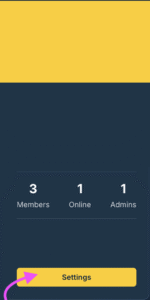
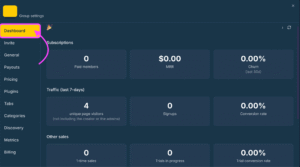
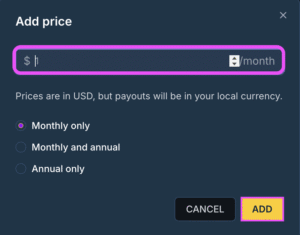
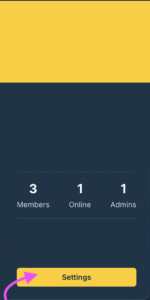
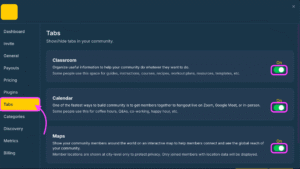
To create a paid community go to the community tab in your account and click on the settings button then go to the Pricing Tab and click on ‘ADD PRICE”
Type in your pricing for your community and select how frequently your members will pay,
[Month only, Monthly/Annual or Annually only]
- Managing Member Subscriptions Handle cancellations, renewals, and refunds.
- Revenue Dashboard
To track your community subscriptions, traffic information, sales and earnings go to setting and the Dashboard tab – this shows you important stats about your community
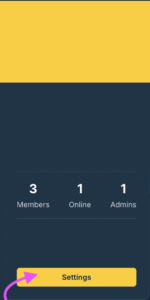
- To track your community metrics and activity click settings and go to the metrics tab
 English
  Portuguese
  Spanish