
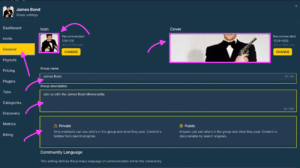
Go to the ‘General Tab’, you can change your community name in the Group name section, Add a description about your community, designate the language audience in the community language section and make your community private or public.
Inviting Members
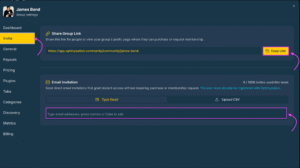
Invite people into your community via direct link or email — To invite a member via a shared link simply click on the ‘Invite’ tab and click on the copy link button. You can use the email invitation functionality to send emails to a batch of new users.
 English
  Portuguese
  Spanish