
- In your community to Share updates, polls, and questions to spark conversations. Go to the community tab
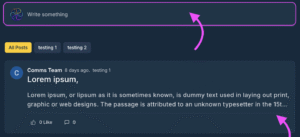
Click into the box where it says ‘Write something’ a drop box will expand. Enter the title of your post and write the body of information you mention or tag other users with a @ in the box
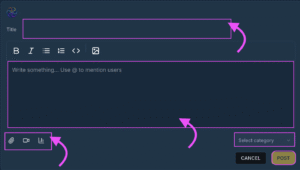
- Creating a Poll for your comment thread
To create a Poll click on the Poll button 
- Adding a video and attachment
To create a Video or Attach a file or image to a post click on 

- Using Comments & Replies
Keep discussions engaging and organized.
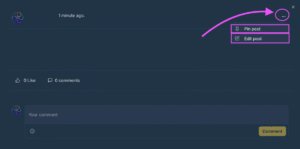
- To pin a post, click the three.. Dots in the drop down box click on PInpost, you will see the pinned icon activated to that post, your post is now pinned and will not be lost among other posts or conversations

 English
  Portuguese
  Spanish