
Customsing tabs
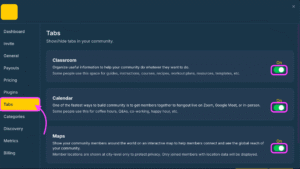
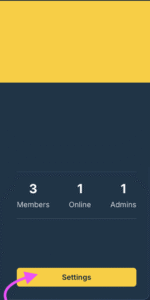
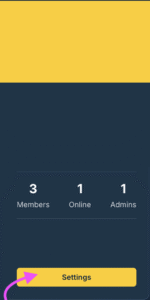
You can customize your community by either hiding or showing certain tabs , this includes your Classroom, Calendar and Maps. To do this, click ‘settings’ and click on the tabs section and toggle the on/off button for each area.
Configuring how members join your community
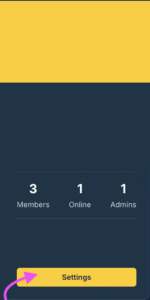
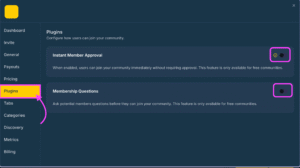
To customize how users can join your community click settings and click plugins.
There are 2 options that can be activated on/off; Instant Member Approval, which requires no verification by your community manager and members are instantly accepted when they join your community. Membership Questions, requires your members to answer questions designated by your community before members are validated and approved into your community
Privacy Settings for Communities
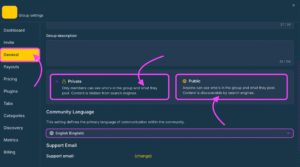
To Manage visibility of your community go to settings and the ‘General tab’
If you select Private which only allows members to see who’s in the group and what they post. Content is hidden from search engines such as Google, Bing, Yandex, and Baidu.
If you select Public Anyone can see who’s in the group and what they post. Content is discoverable by search engines such as Google, Bing, Yandex, and Baidu.
 English
  Portuguese
  Spanish